Saved Filters
TABLE OF CONTENTS
Saved Filters allow a set of pre-set filters to quickly be applied to the grids.
Apply Filter to a Grid
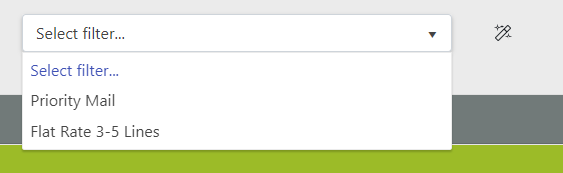
- Select a Filter from the filter drop down
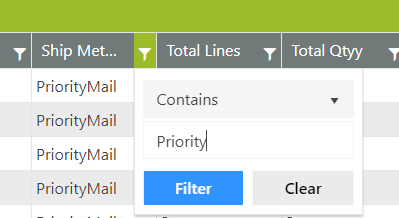
- The filters are applied to the grid and can be seen in the filtered columns within the grid
Save a New Filter
- Apply all of the desired filters to the grid
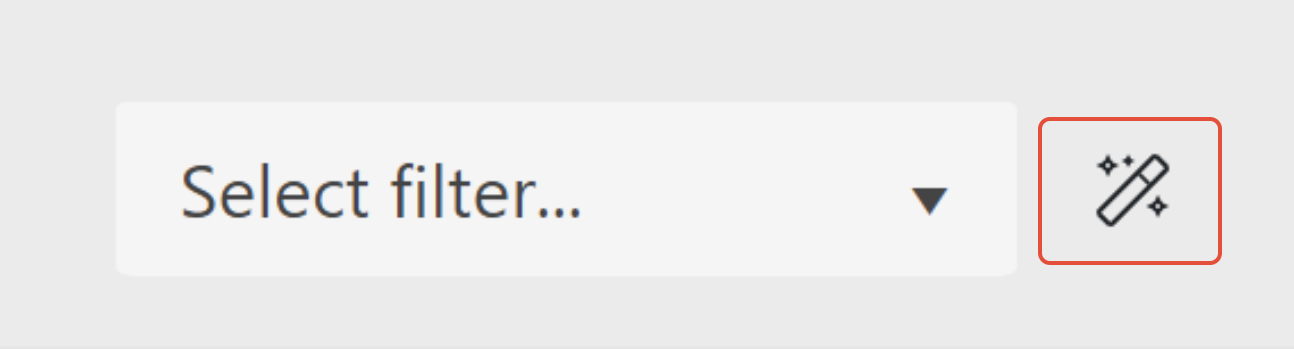
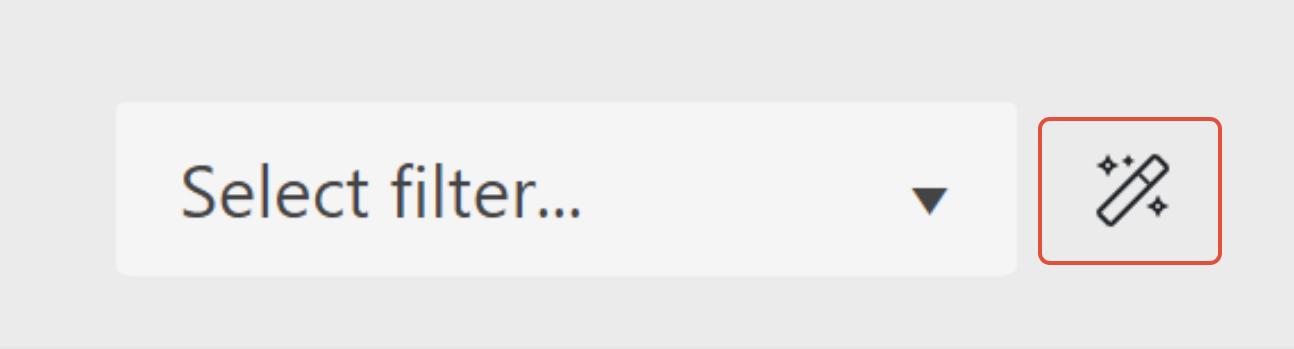
- Click on the icon to the right of the filter drop down
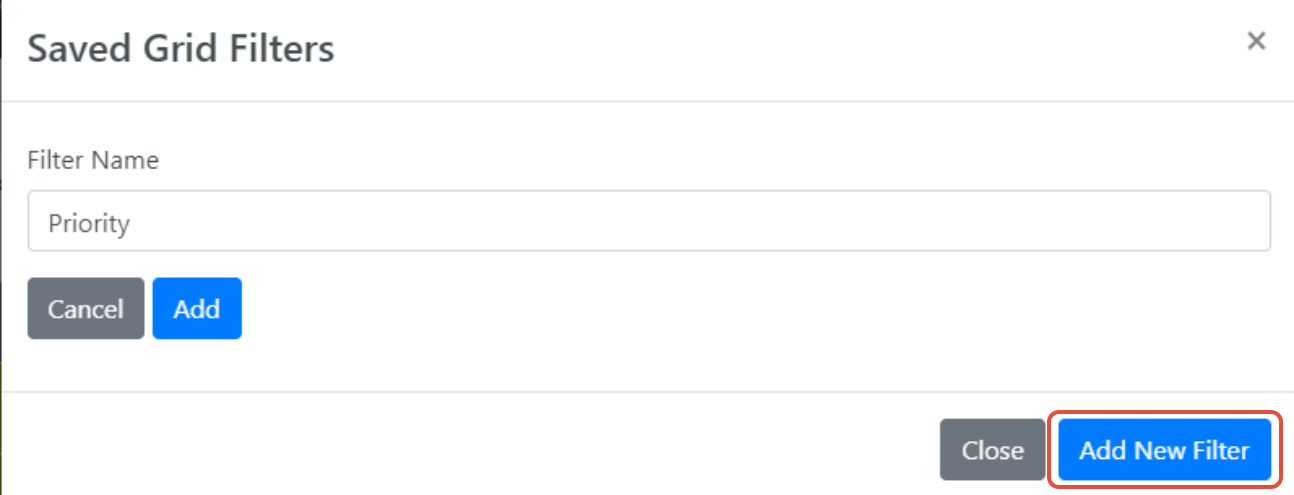
- Click Add New Filter from the popup, provide a name for the filter, and click Add
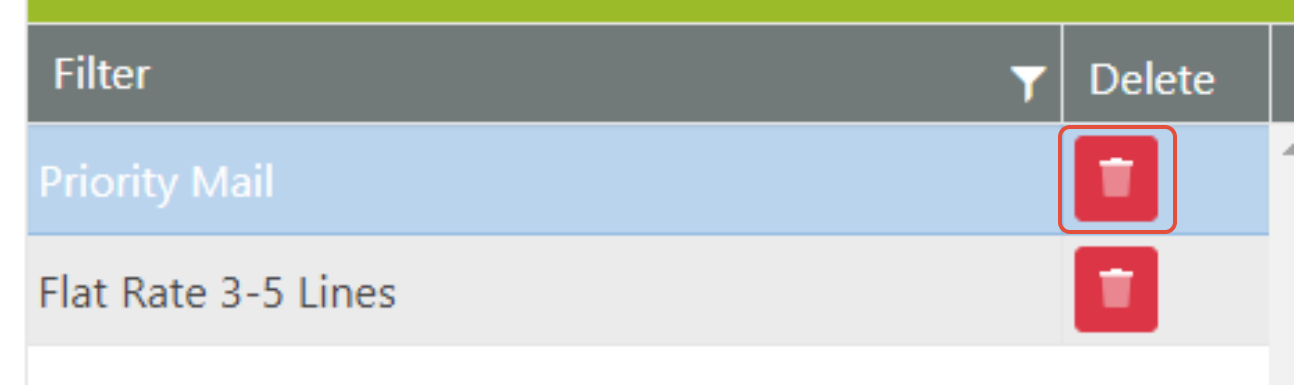
Delete an Existing Saved Filter
- Click on the icon to the right of the filter drop down
- Click Delete next to the filter to remove